Capability Checks
Part of Reviewing agency capabilities by service
Checking a design agency's handover standards
Review a design agency's sample handover for screen states, assets, accessibility decisions and implementation questions.
Ask a design agency what the people building or using its work would receive at handover. The sample should make relevant layouts, interaction states, assets, accessibility decisions and open questions understandable. A presentation image can show visual direction, but gives limited evidence of what a developer could build from.
Walk through a representative handover
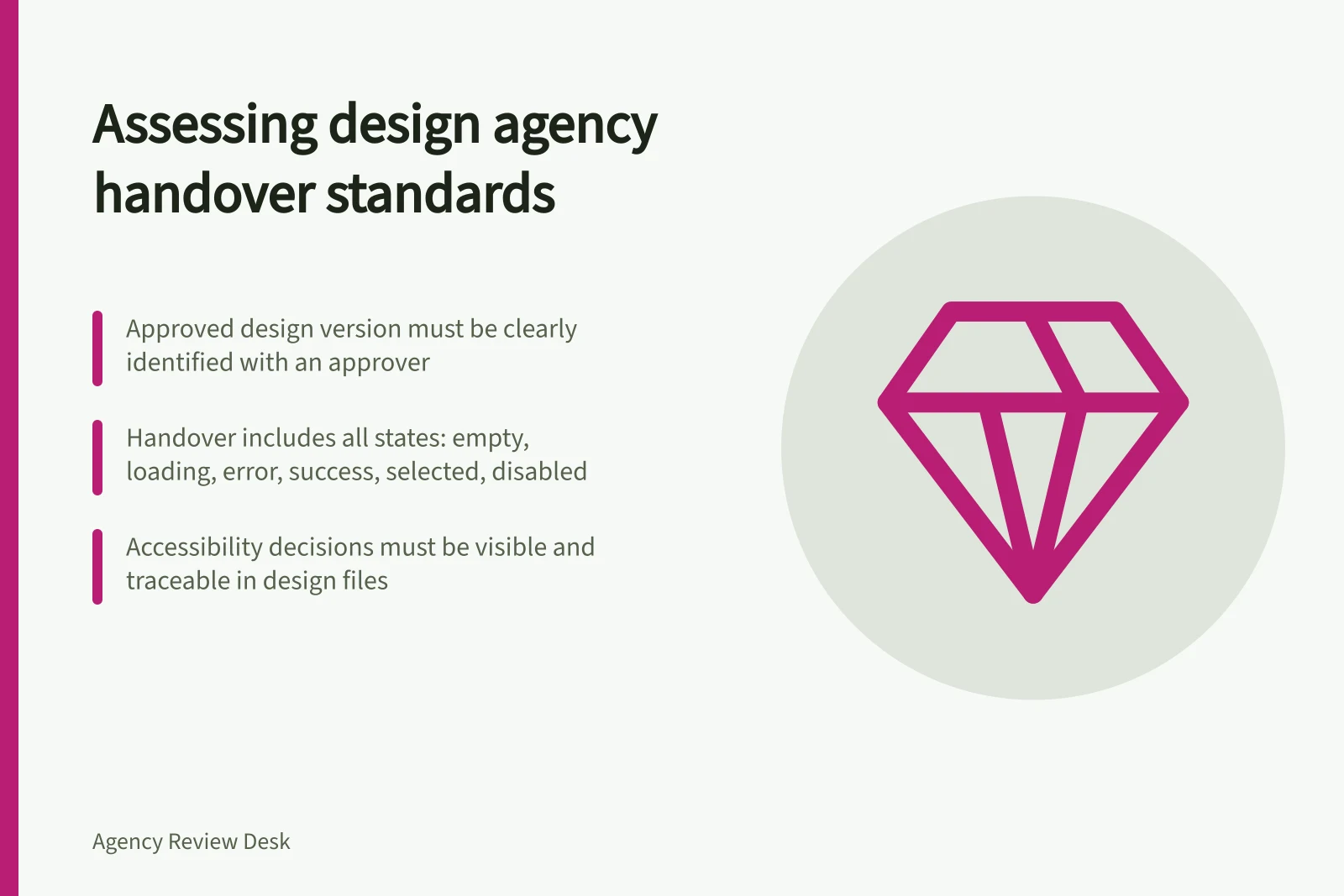
Choose one complete user task in a redacted example, such as finding a service, submitting a form and receiving confirmation. Look for the screens and viewport sizes relevant to that task. Ask about empty, loading, error, success, selected, disabled and keyboard-focus states where they apply. Which are specified, which come from an existing design system and which remain for developers and the agency to resolve?
Ask what the agreed recipient would get: editable files where included, assets, component names, content and interaction notes, specifications and a record of approved changes. The right package depends on the work and the proposed terms. Confirm which materials the agency would supply rather than assuming every source file or third-party asset is included.
Handover Deliverables: What to Expect vs. What’s Often Missing
- Editable design files (e.g., Figma, Sketch)
- Supplied in full
- Component names and usage rules
- Provided with documentation
- Accessibility decisions (e.g., contrast ratios, keyboard focus)
- Explicitly documented
- Interaction states (error, success, loading, disabled)
- Covered for key user flows
- Content and copy specifications
- Included for all UI text
- Third-party asset licences or sourcing details
- Not always included
Steps to Evaluate a Design Agency’s Handover Package
- Select a representative user task (e.g., form submission)Use a redacted example from the project
- Identify required screen states and viewport sizesInclude mobile, tablet, desktop
- Confirm what is included in the handover packageEditable files, assets, component specs, notes
- Review accessibility decisions and traceabilityCheck contrast, labels, focus, feedback
- Clarify who resolves open questions and gapsDesign contact and escalation path defined
Make accessibility decisions visible
W3C's design guidance covers contrast, meaning that does not rely on colour alone, identifiable controls, form labels, feedback and different viewport sizes. Ask the designer to point to the relevant choices in its sample. Could a developer find the intended keyboard-focus treatment and form-error wording, or would those decisions still need to be made?
A design file does not establish that the finished website meets an accessibility standard. W3C advises weaving accessibility implementation throughout the process. Ask who would check the implemented task against the agreed requirements and how a design issue found during development would be resolved.
Find the handover boundary
Question / What to establish
- Which version is approved?
- The current design or component version and its approver
- Which situations are covered?
- Supplied screens and states, and decisions still open
- What is reusable?
- Components, assets and specifications in the proposed package
- Who resolves gaps?
- The design contact and route for questions or changes
- How is implementation reviewed?
- The agreed comparison between the built work and approved design
Ask the person expected to prepare the handover where a developer would look when a detail is unclear. If implementation support is offered, clarify its review points and included time.
Record gaps as needed for this project, covered by another owner or unresolved. A campaign graphic may need less documentation than a complex digital service; assess the package against the work you plan to buy.
Key Handover Standards to Verify
- Approved version of design and approverConfirmed
- All relevant screen states covered (including error and empty)Yes, documented
- Accessibility decisions clearly visible in the handover packageYes, linked to WCAG 2.2 guidelines
- Gaps recorded as 'needed', 'covered by another owner', or 'unresolved'Documented per project scope
- Process for resolving implementation issues during developmentDefined with contact point